
Customize Branding
Personalize the payment page that buyers see when they click your payment link. Add your logo, brand colors, and redirect URLs to create a consistent checkout experience.
You can add branding when you create a payment link or by editing an active payment link.
Branding Settings
Configure the following branding options in the Custom Branding section:
| Setting | Description |
|---|---|
| Logo URL | A link to your company logo image. Displayed in the payment page header. |
| Header Color | The background color for the payment page header. |
| Button Background Color | The background color for the payment button. |
| Button Text Color | The text color for the payment button. |
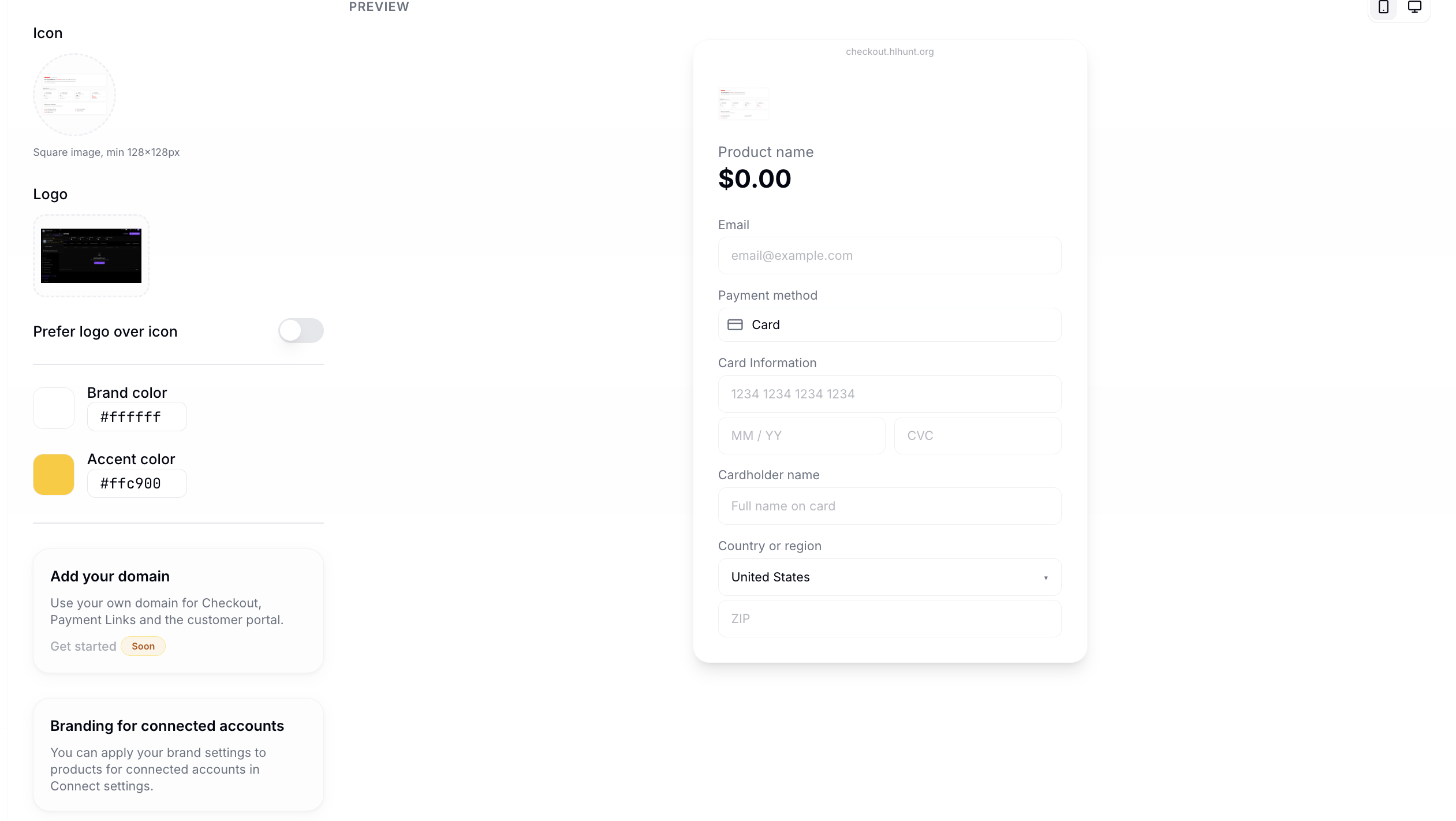
Custom branding set on an individual payment link will override your global branding settings. To customize branding for all payment links, go to the Payment Links tab under Branding in your Company page.
Redirect URLs
Configure where buyers are sent after interacting with the payment page:
| Redirect | Description |
|---|---|
| Success URL | Where buyers go after a successful payment (e.g., a thank-you page). |
| Failure URL | Where buyers go if the payment fails. |
| Expiration URL | Where buyers go if the payment session expires. |
Payment Page Preview
When buyers click your payment link, they see a branded page with:
- Header — your logo and brand color.
- Payment details — item description and amount.
- Payment form — card, ACH, Apple Pay, or Google Pay inputs.
- Pay button — styled with your button colors.