
Customize Branding
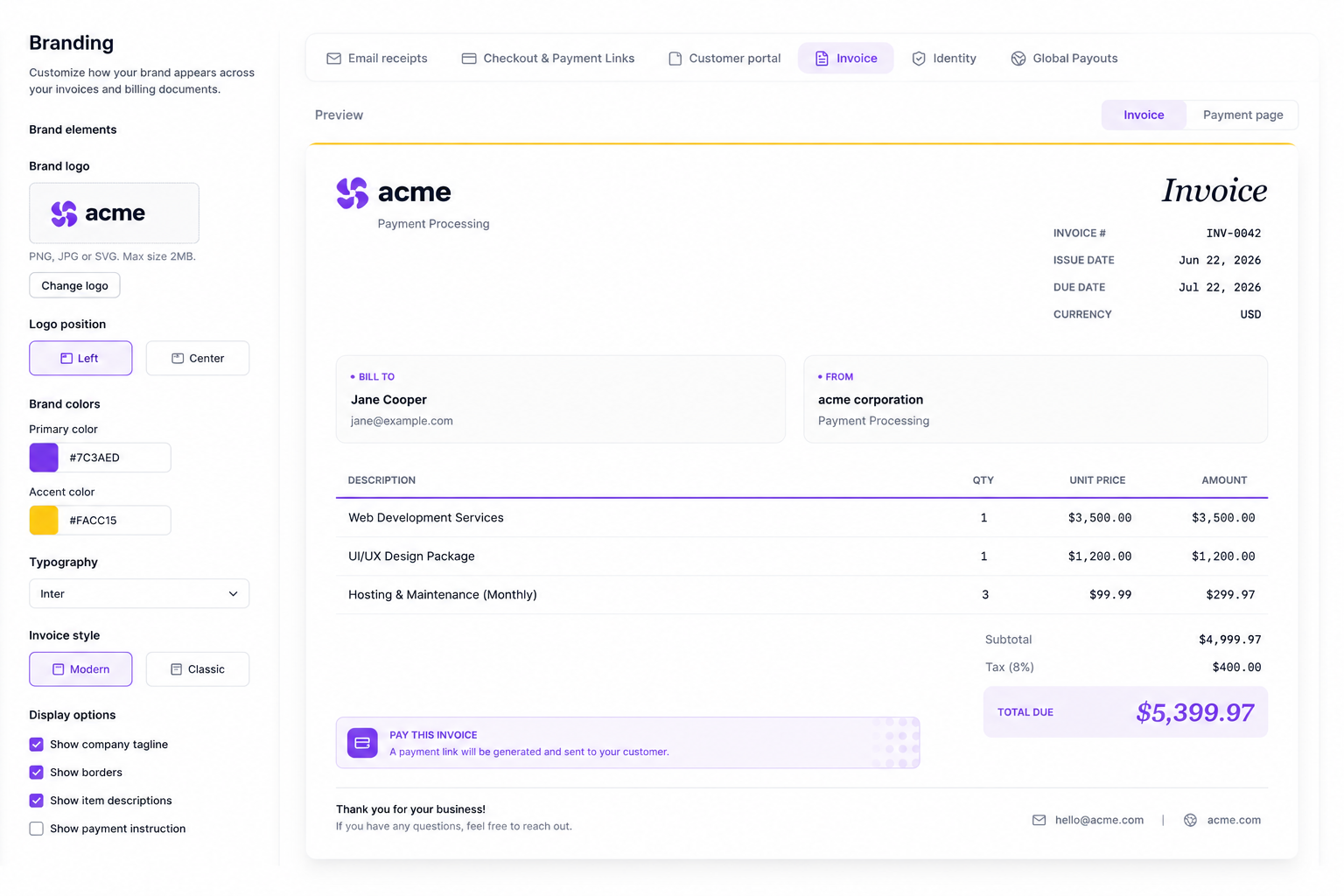
During invoice creation, you can personalize both the invoice and payment page. The invoice will only show your logo, while the payment page will display your logo and any other brand settings you choose.
To customize the branding for your invoices, you can configure the following settings:
- Logo URL: Provide a link to your company logo.
- Brand Color: Customize the header background color.
- Accent Color: Customize the payment button background color.
- Button Text Color: Customize the payment button text color.
- Redirect URLs: Specify where buyers are sent after successful payment, failed payment, or session expiration.
What the Buyer Sees
When a buyer opens the invoice payment page, they see a branded experience:
- Header — displays your logo and brand color as the background.
- Pay button — uses your accent color with custom button text color.
- Invoice details — line items, amounts, and due date.
- Payment form — card or ACH input fields.
After payment, buyers are redirected to your configured URL based on the outcome:
| Outcome | Redirect |
|---|---|
| Success | Your configured success URL (e.g. a thank-you page). |
| Failed | Your configured failure URL with error context. |
| Expired | Your configured expiration URL when the session times out. |