
Subscription Plans
Subscription Plans let you define reusable billing templates so you can create new subscriptions faster and manage pricing at scale.
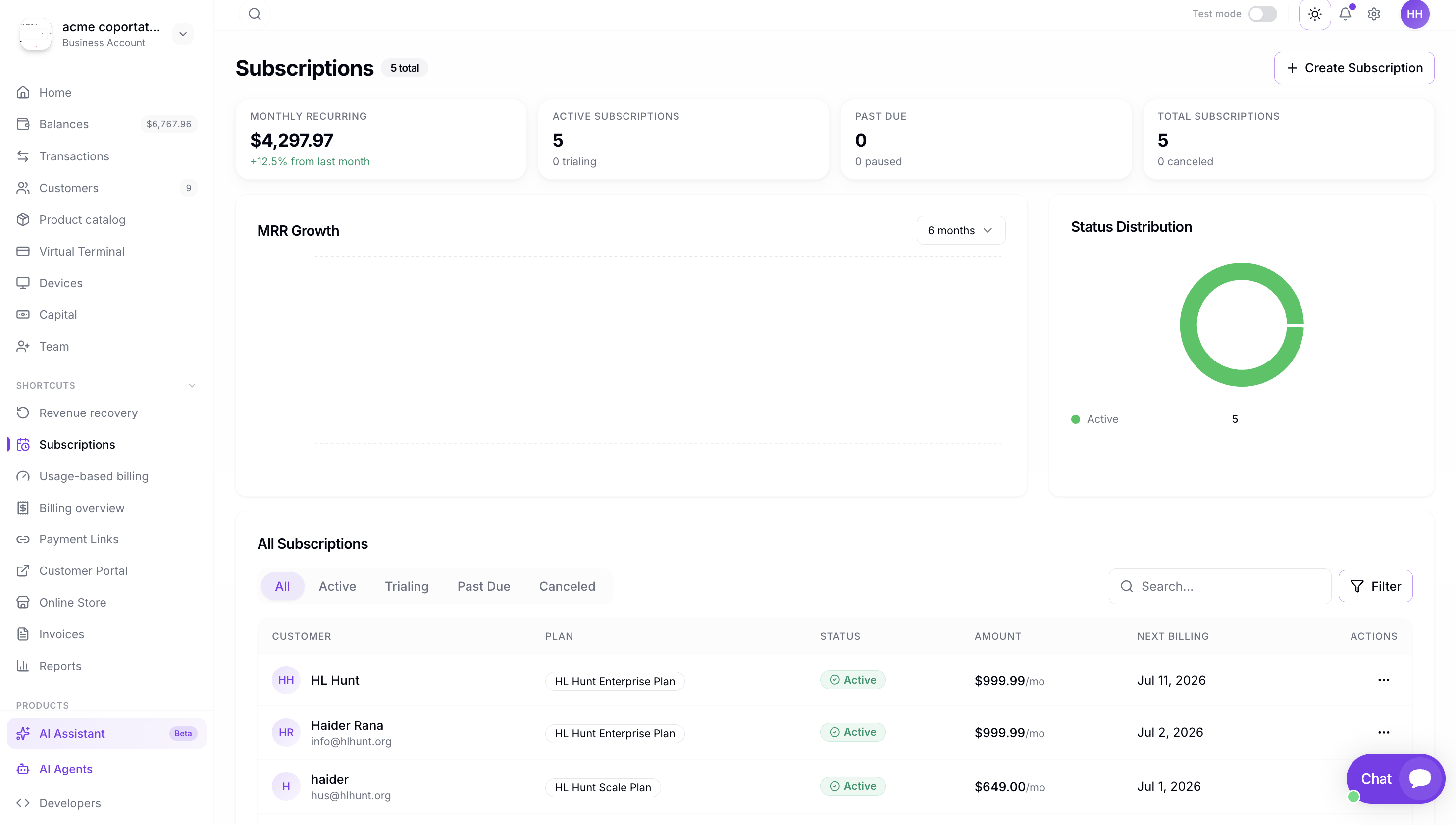
What is a Subscription Plan
A Subscription Plan is a template that defines the billing frequency, price, trial period, and other settings for a subscription. When you create a new subscription, you can select an existing plan instead of entering all the details manually.
Plans are useful when you have multiple buyers on the same pricing tier — for example, a "Pro Monthly" plan at $29/month or an "Enterprise Annual" plan at $299/year.
Creating a Plan
To create a Subscription Plan from the Dashboard:
- Navigate to Payment Tools → Subscriptions.
- Click Create Subscription.
- In the plan selector, click Create a new plan.
- Fill out the plan details: name, billing frequency, recurring price.
- Optionally add a trial phase and/or discount phase.
- Save the plan. It will now appear in the plan selector for future subscriptions.
You can also create a subscription without a plan by checking "Create a subscription without a plan".
Plan Fields
| Field | Description |
|---|---|
| Plan Name | A descriptive name (e.g. "Pro Monthly", "Starter Annual"). |
| Billing Frequency | How often to charge: daily, weekly, monthly, or annually. |
| Recurring Price | The amount to charge each billing cycle. |
| Trial Phase | Optional free or discounted period before billing begins. |
| Discount Phase | Optional discounted rate for a set number of intervals after trial. |
| Interval Length | Total number of billing cycles (leave blank for indefinite). |
Using Plans
Once a plan is created, you can reuse it for any new subscription:
- Go to Create Subscription.
- Select the plan from the dropdown.
- The billing frequency, price, and phases will auto-fill.
- Select the buyer and payment instrument.
- Click Create Subscription.