
Checkout Sessions
Use HL Hunt's hosted checkout page to accept payments without building your own payment form. Checkout Sessions handle PCI compliance, card validation, and payment processing.
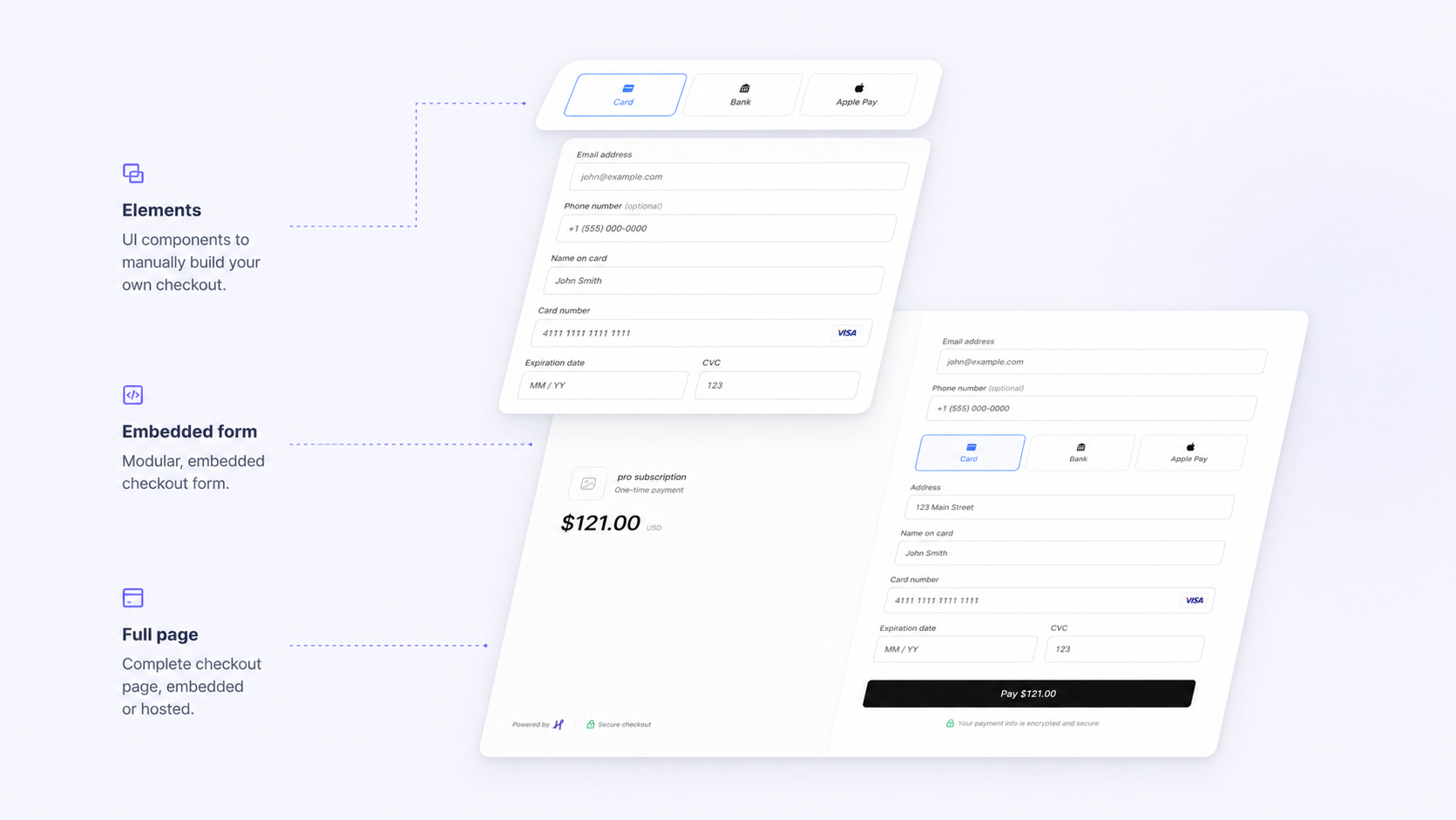
What are Checkout Sessions?
A Checkout Session creates a secure, hosted payment page where buyers can enter their payment details. After a successful payment, it contains a reference to the Customer and the completed charge.
Benefits of using Checkout Sessions:
- No frontend code needed — redirect buyers to our hosted page
- PCI compliant — card data never touches your servers
- Mobile-optimized — works on all devices
- Customizable — add your logo and brand colors
Creating a Session
Create a checkout session server-side. Amounts always live inside line_items (in cents) — there is no top-level amount field:
POST /v1/checkout/sessions
{
  "success_url": "https://yoursite.com/success",
  "cancel_url": "https://yoursite.com/cancel",
  "line_items": [
    { "description": "Premium Plan", "amount": 2500, "quantity": 1 }
  ],
  "customer_email": "jenny@example.com"
}
The response includes url — redirect the buyer there to complete payment on the hosted page. It also returns session_key (cs_xxx, for the embedded or popup checkout) and embed_url (for iframe use).
The session object also carries status (open, complete, or expired) and payment_status (unpaid or paid) — all lowercase. After payment it also includes transaction_id (the id of the resulting charge) and any metadata you attached.
| Field | Description |
|---|---|
| success_url | Required. Where to redirect after successful payment. |
| line_items | Required, non-empty array. Each item: description, amount (cents), optional quantity and image_url. In mode: "subscription" every item also needs a price_id. |
| cancel_url | Optional. Where to redirect if the buyer cancels. |
| mode | Optional. payment (default, one-time) or subscription (recurring). |
| currency | Optional. Defaults to USD. |
| customer_email | Optional. Pre-fills the buyer's email on the checkout page. |
| expires_in_minutes | Optional. Session lifetime (default 30, max 1440). |
| metadata | Optional. Object of string key–value pairs for your own tracking; returned on the session and on checkout.session.* webhooks. |
Customization
You can customize the checkout page appearance:
- Logo — display your company logo
- Brand colors — header and button colors
- Custom fields — collect additional information
- Shipping address — require shipping details
After Payment
When the buyer completes payment:
- They are redirected to your
success_url. - A charge is created and appears in your Transactions, and a receipt invoice is auto-generated.
- A
checkout.session.completedwebhook is sent to your endpoint, and the session status changes tocomplete. (Sessions that time out fire thecheckout.session.expiredevent instead, and their status becomesexpired.)