
Webhook Logs
View the history of all webhook events sent by HL Hunt, including delivery status and response codes.
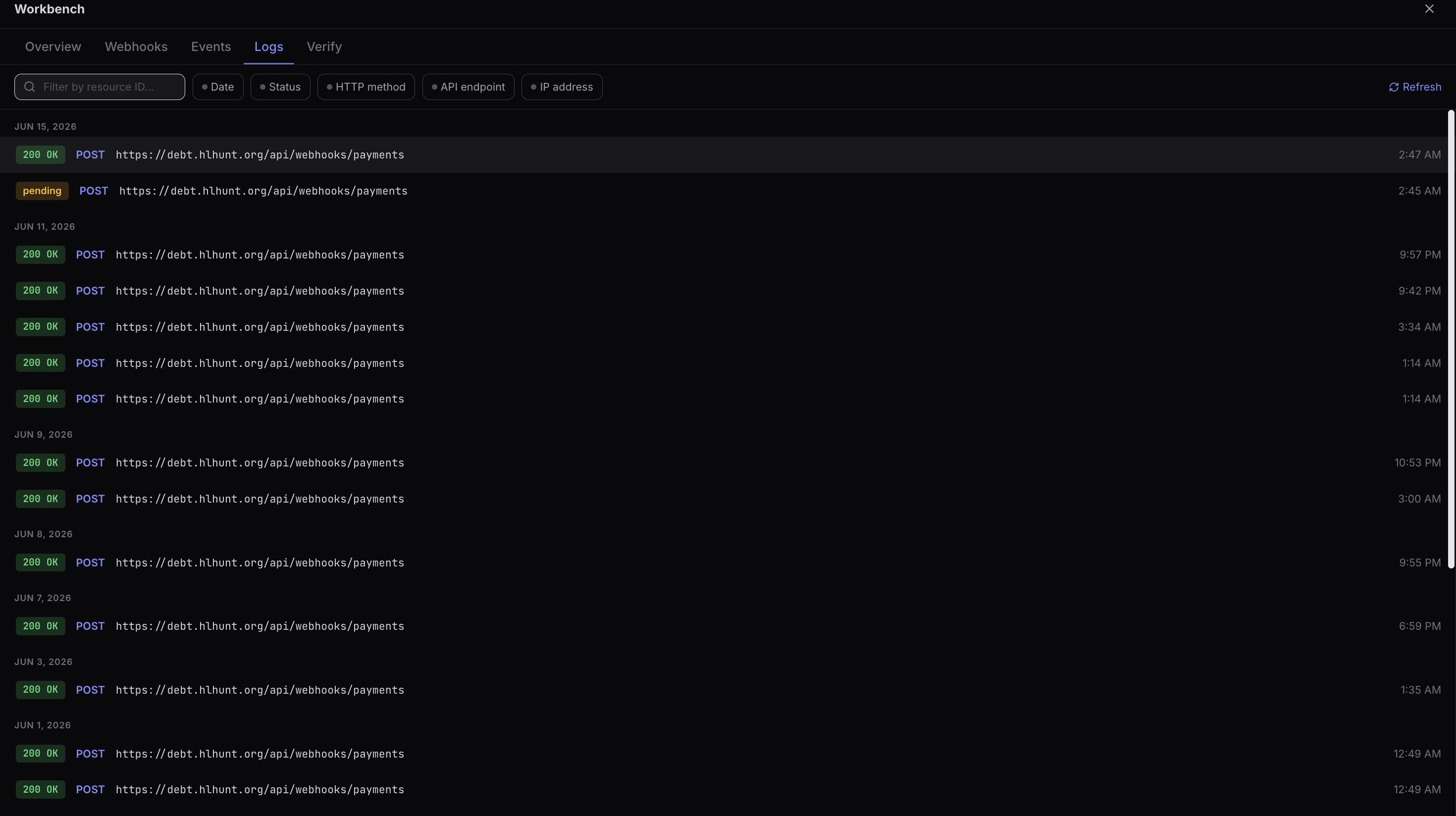
Viewing Logs
To view webhook logs:
- Navigate to Developers > Webhooks in the Dashboard.
- Click on a webhook to view its details.
- Select the Logs tab to see all delivery attempts.
The log shows the last 30 days of webhook deliveries.
Log Details
Each log entry shows:
| Field | Description |
|---|---|
| Event Type | The event that triggered the delivery (e.g., charge.succeeded). |
| Status | Success (2xx) or Failed (non-2xx / timeout). |
| Response Code | The HTTP status code returned by your endpoint. |
| Attempt | Which delivery attempt (1-5). |
| Timestamp | When the delivery was attempted. |